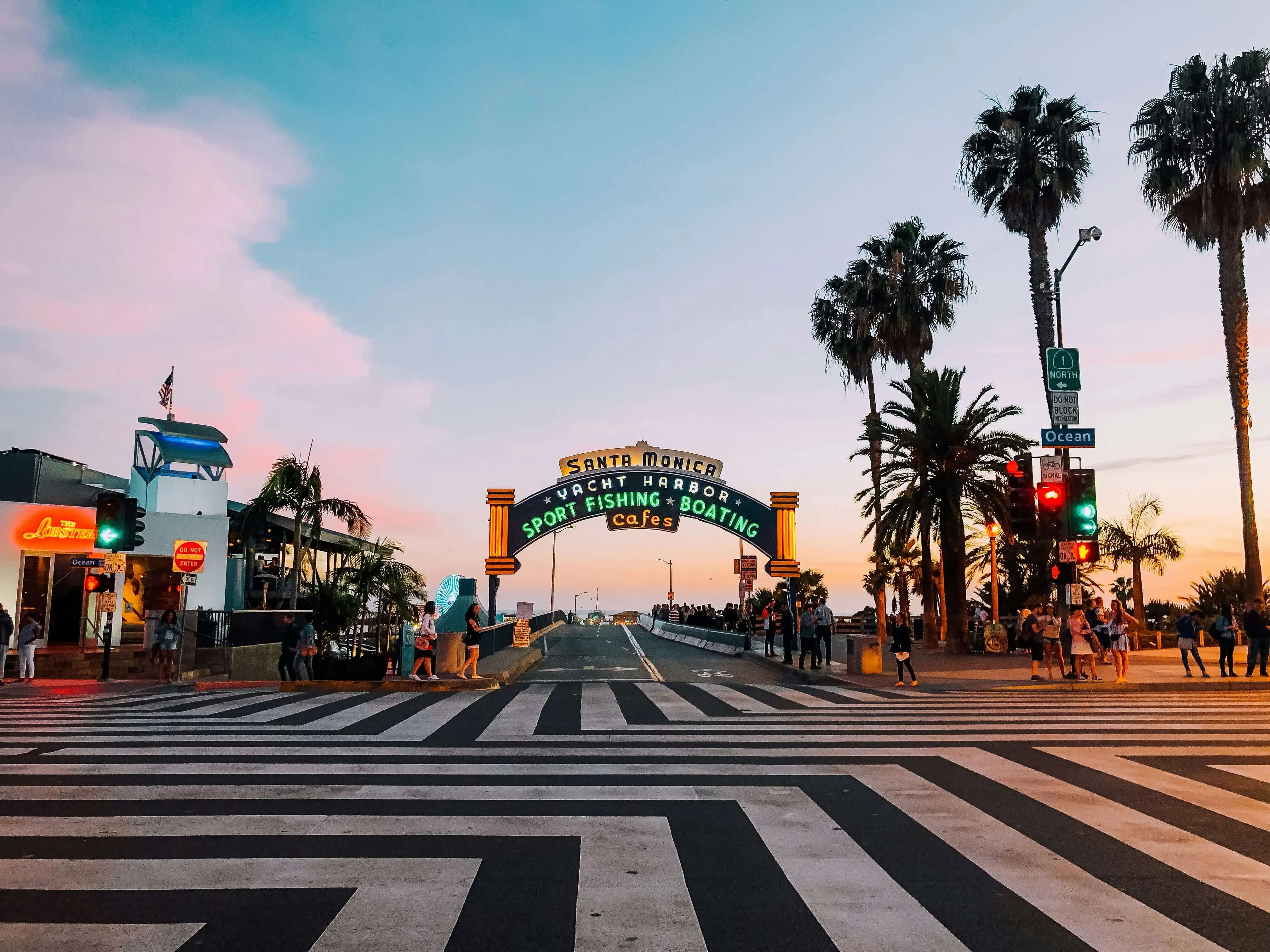
LAGolden Haze
 MORROW
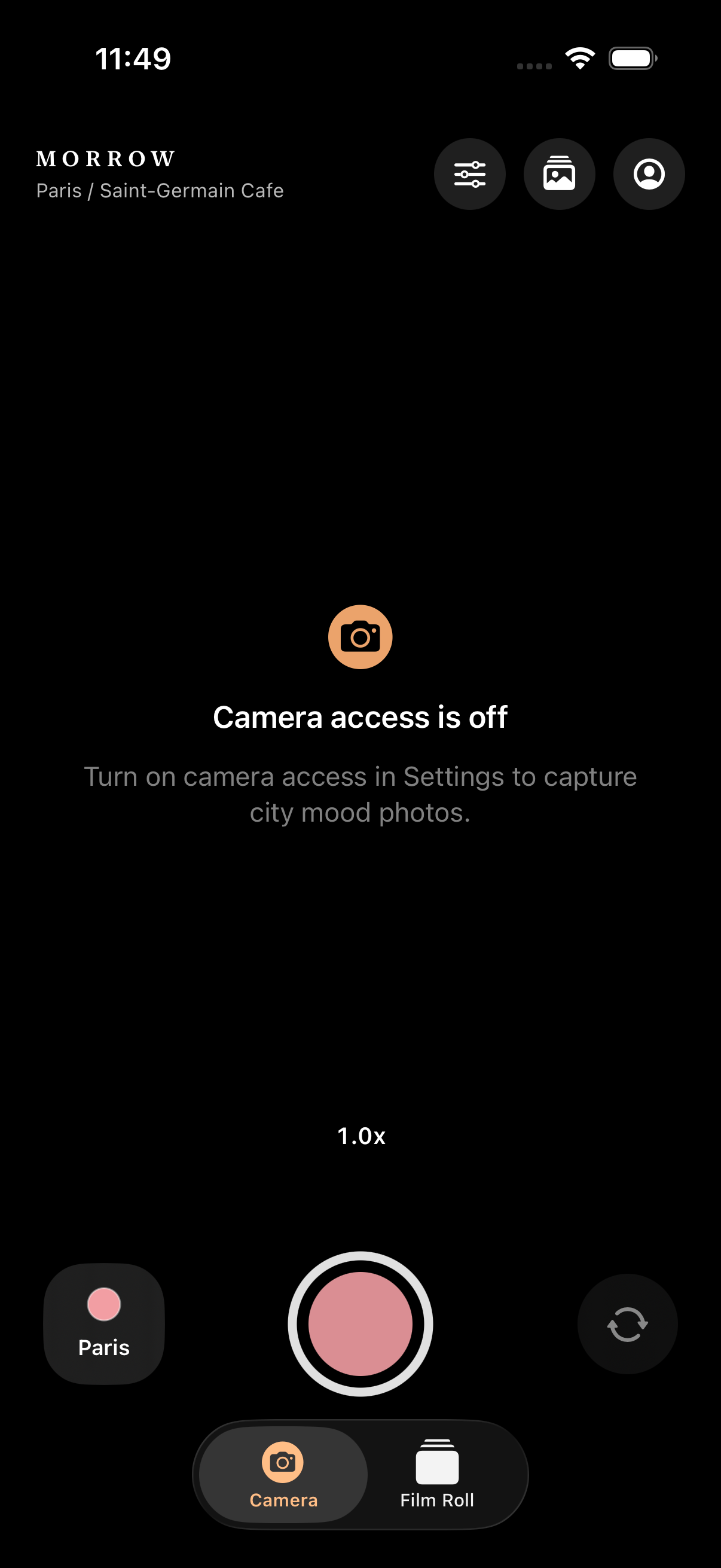
Morrow Camera
A city mood film camera for capturing or importing photos, shaping filter intensity, adding optional stamps, and keeping the result in your local film roll.
City Moods
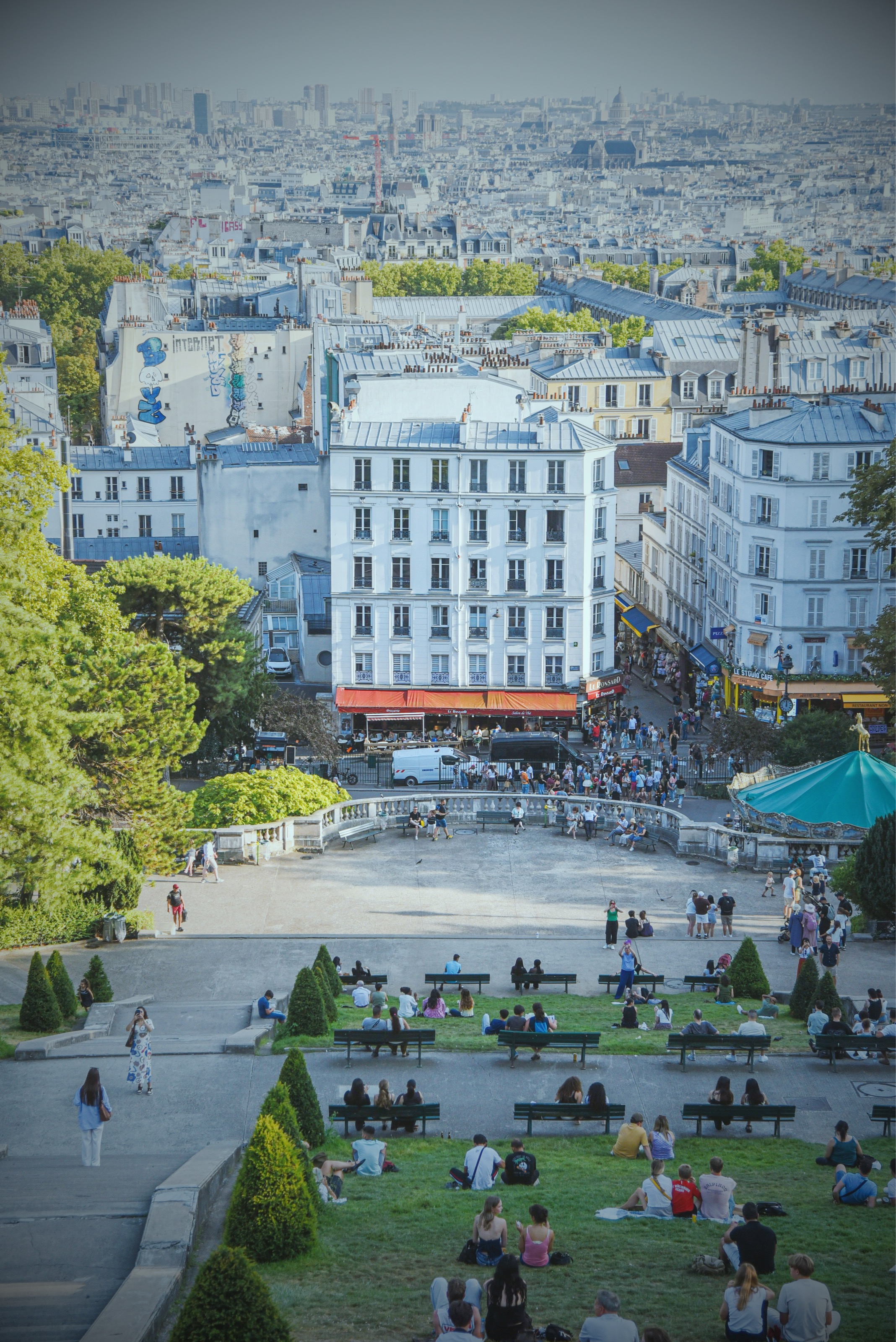
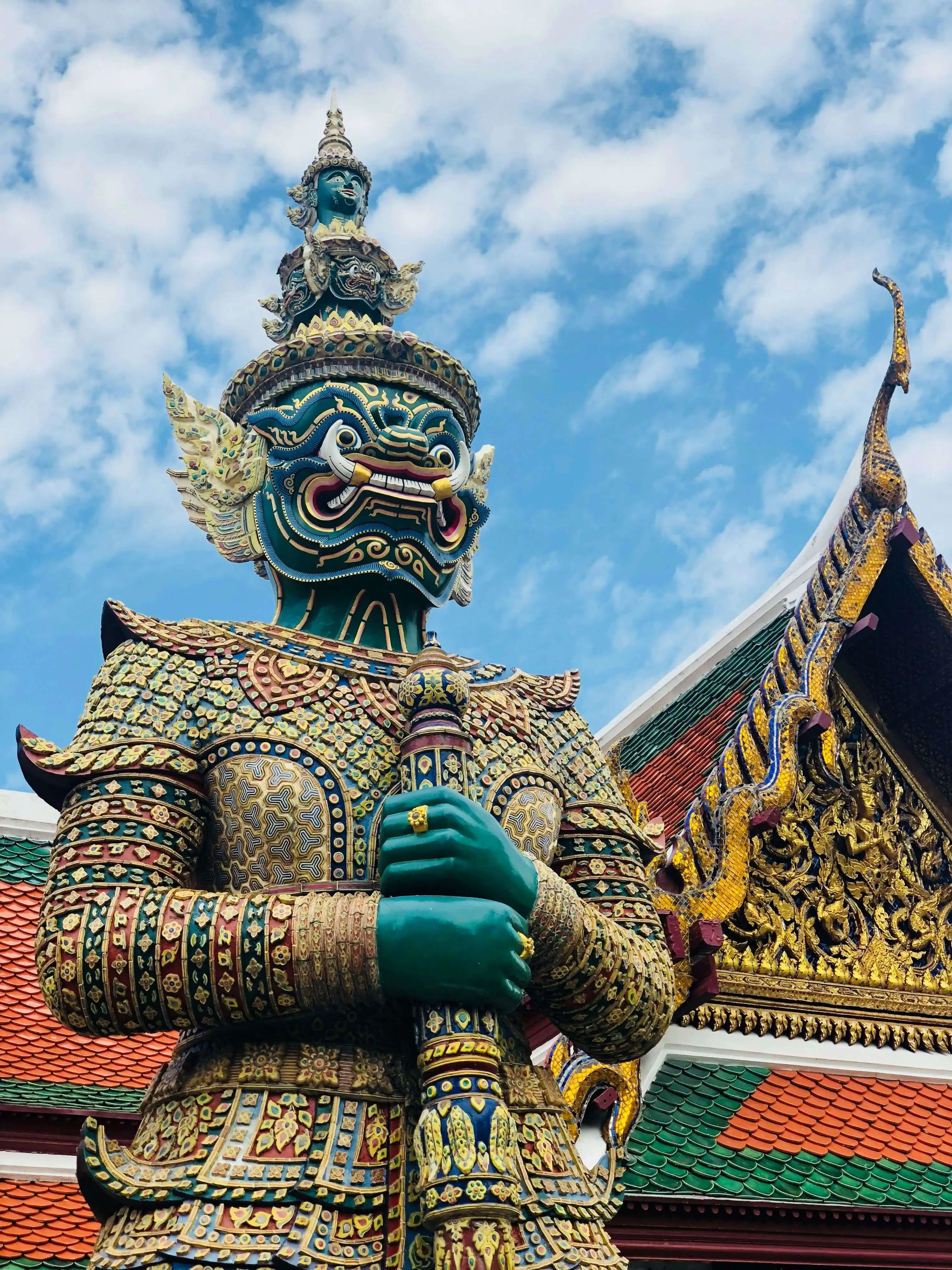
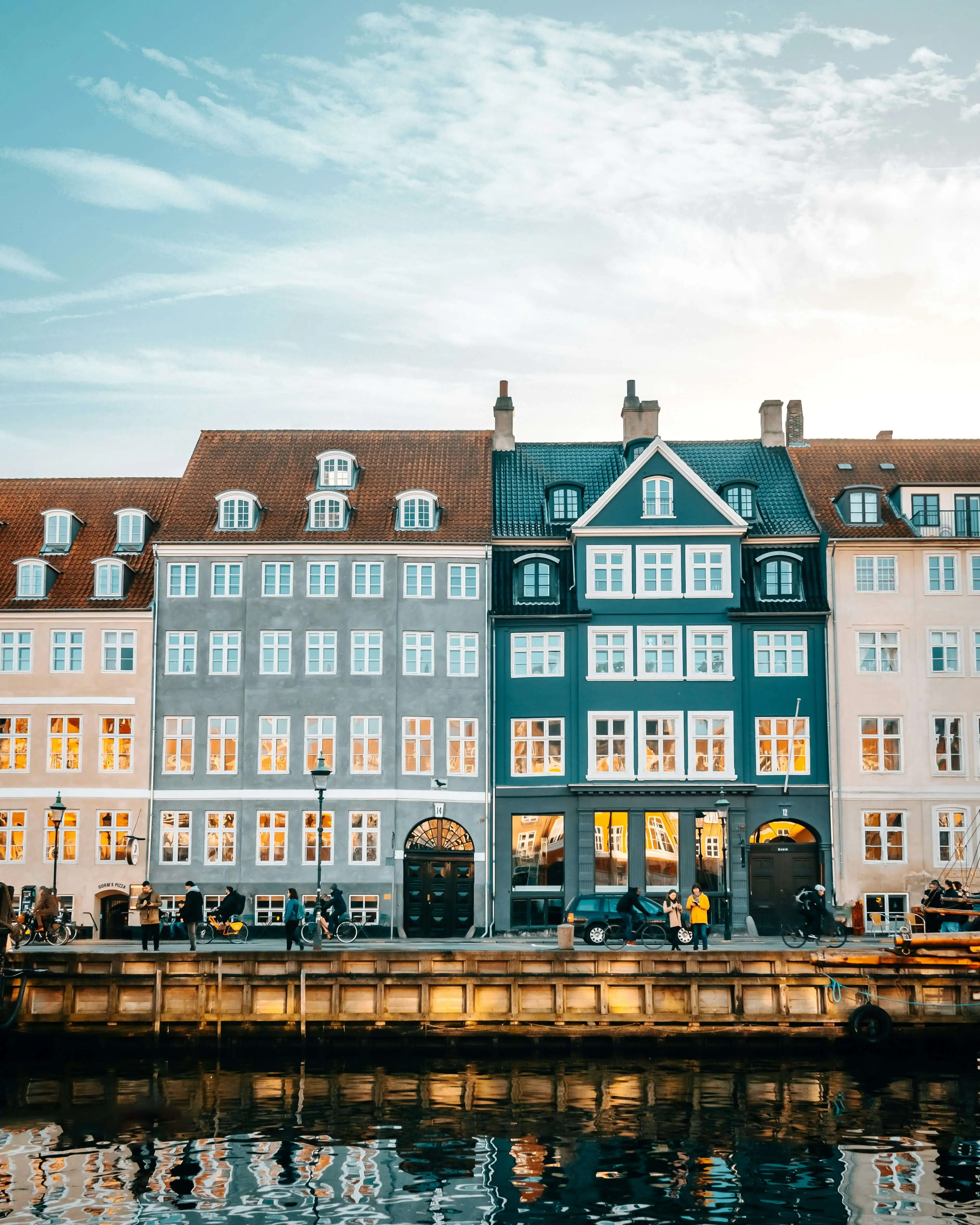
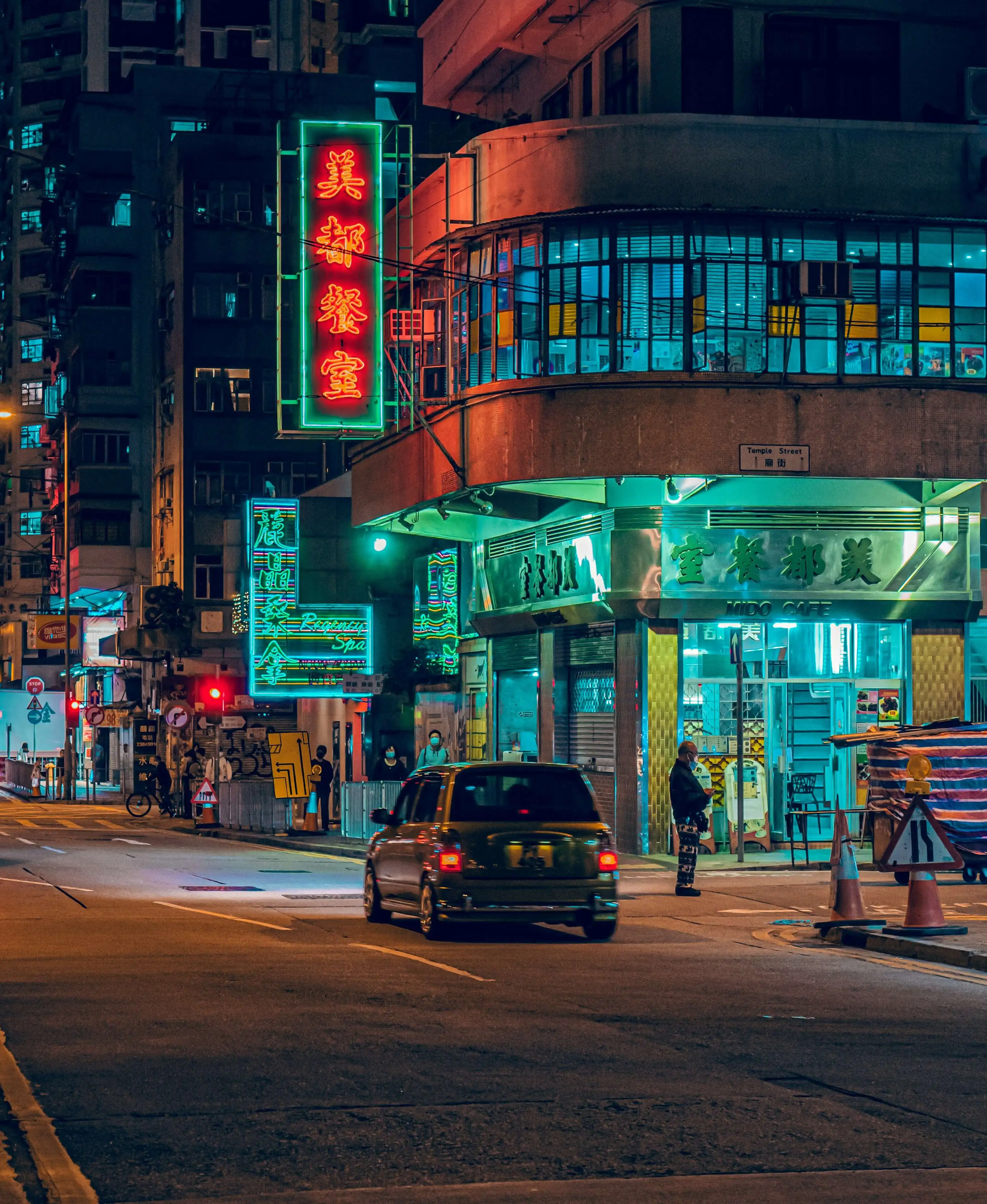
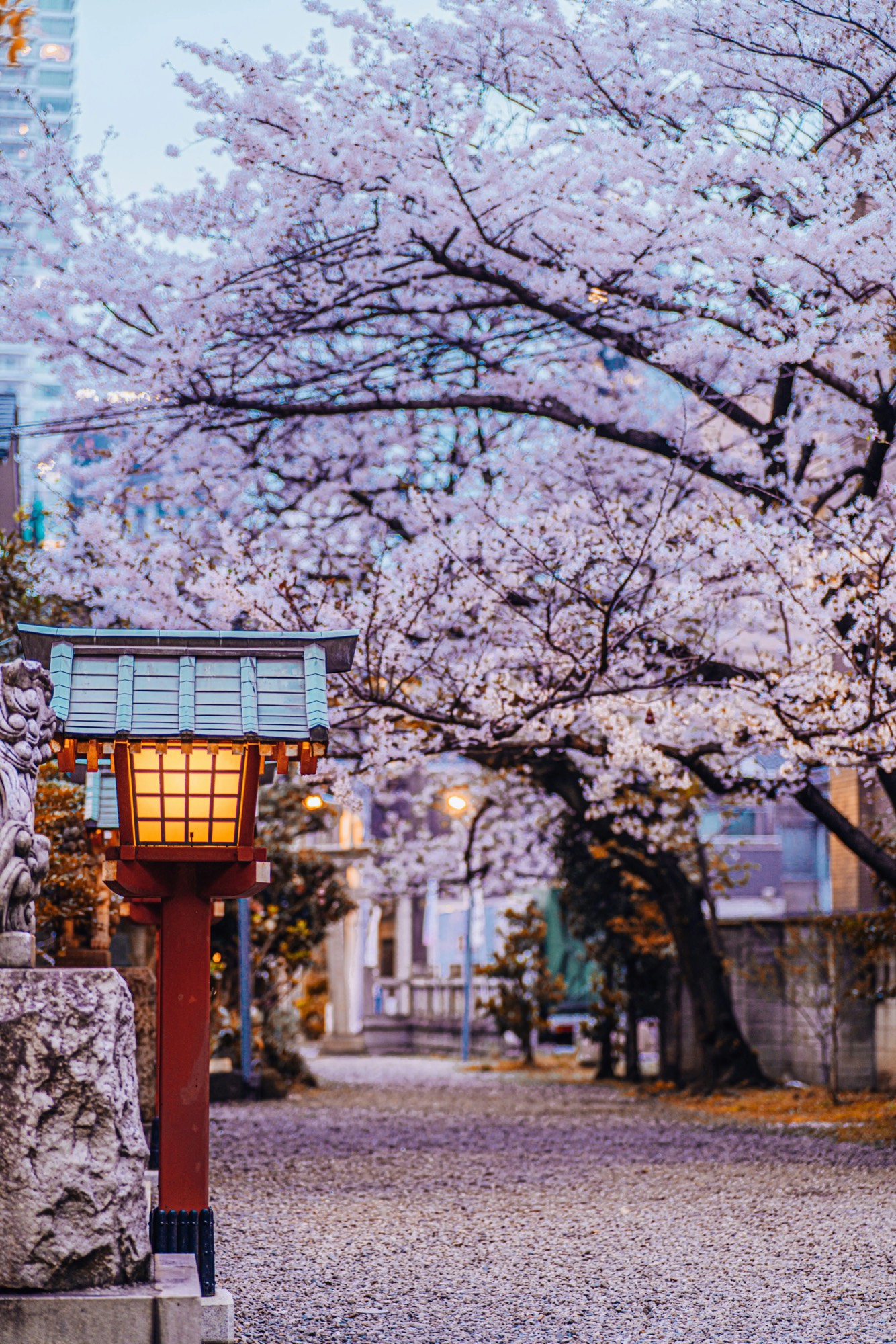
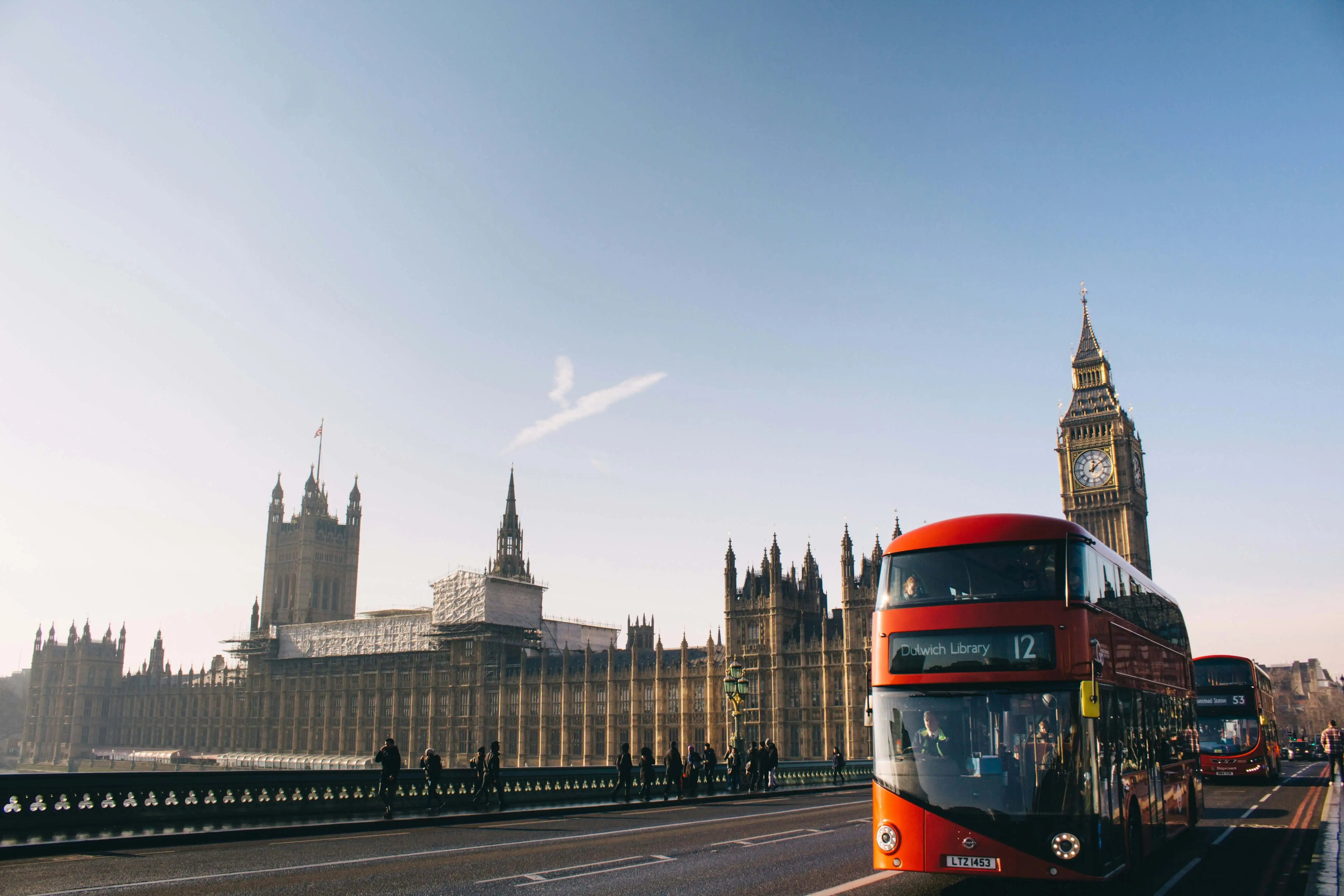
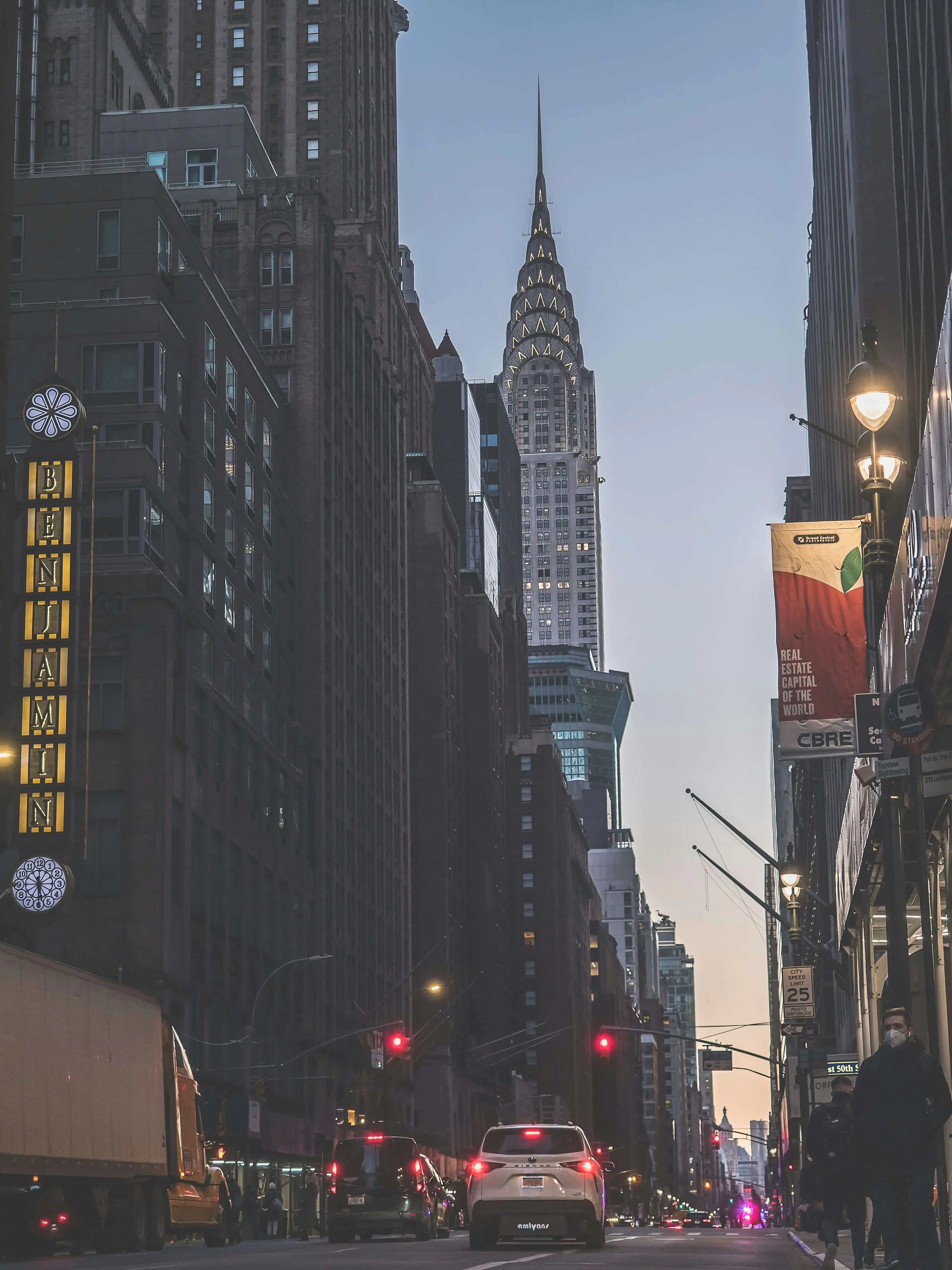
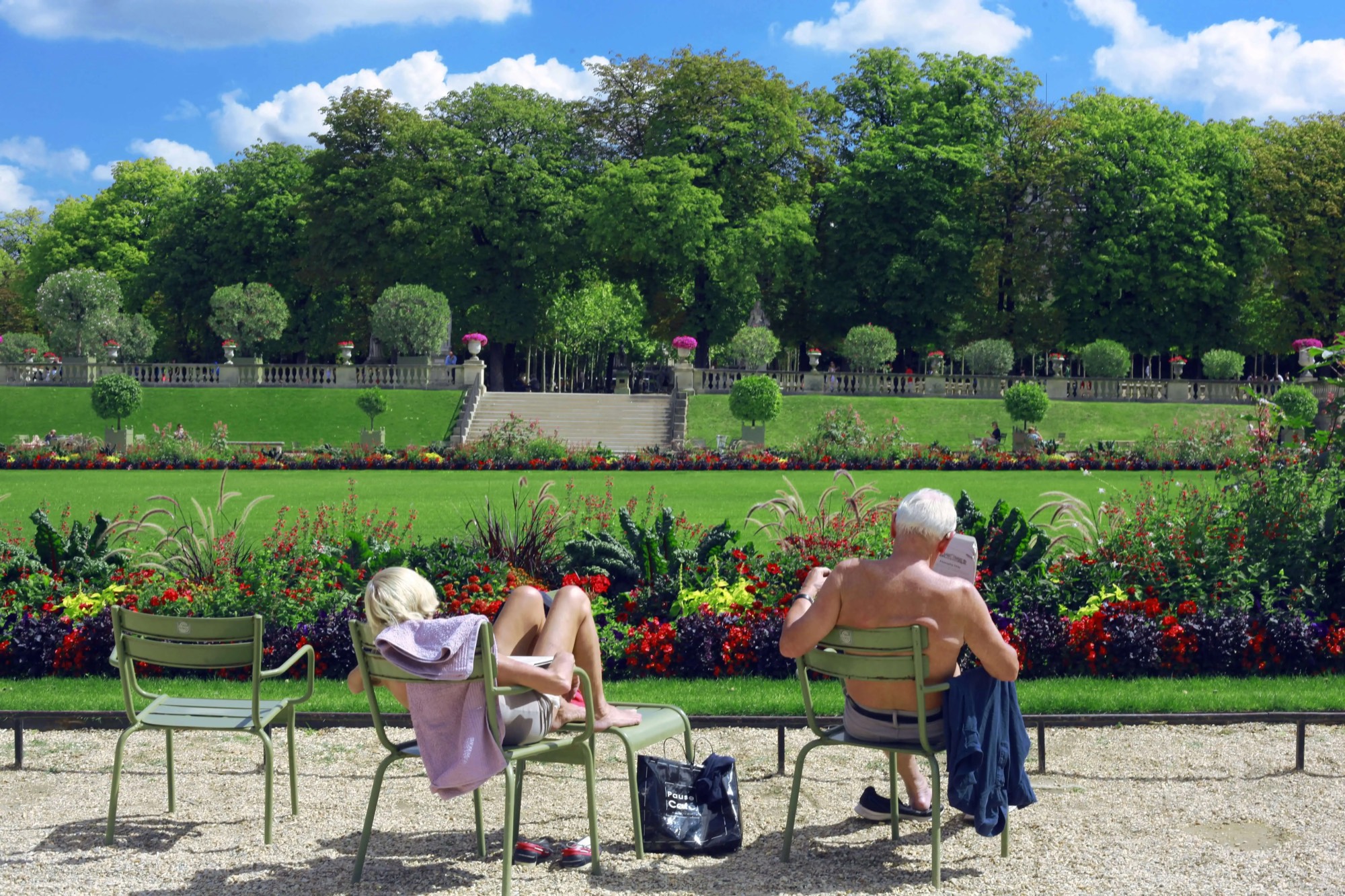
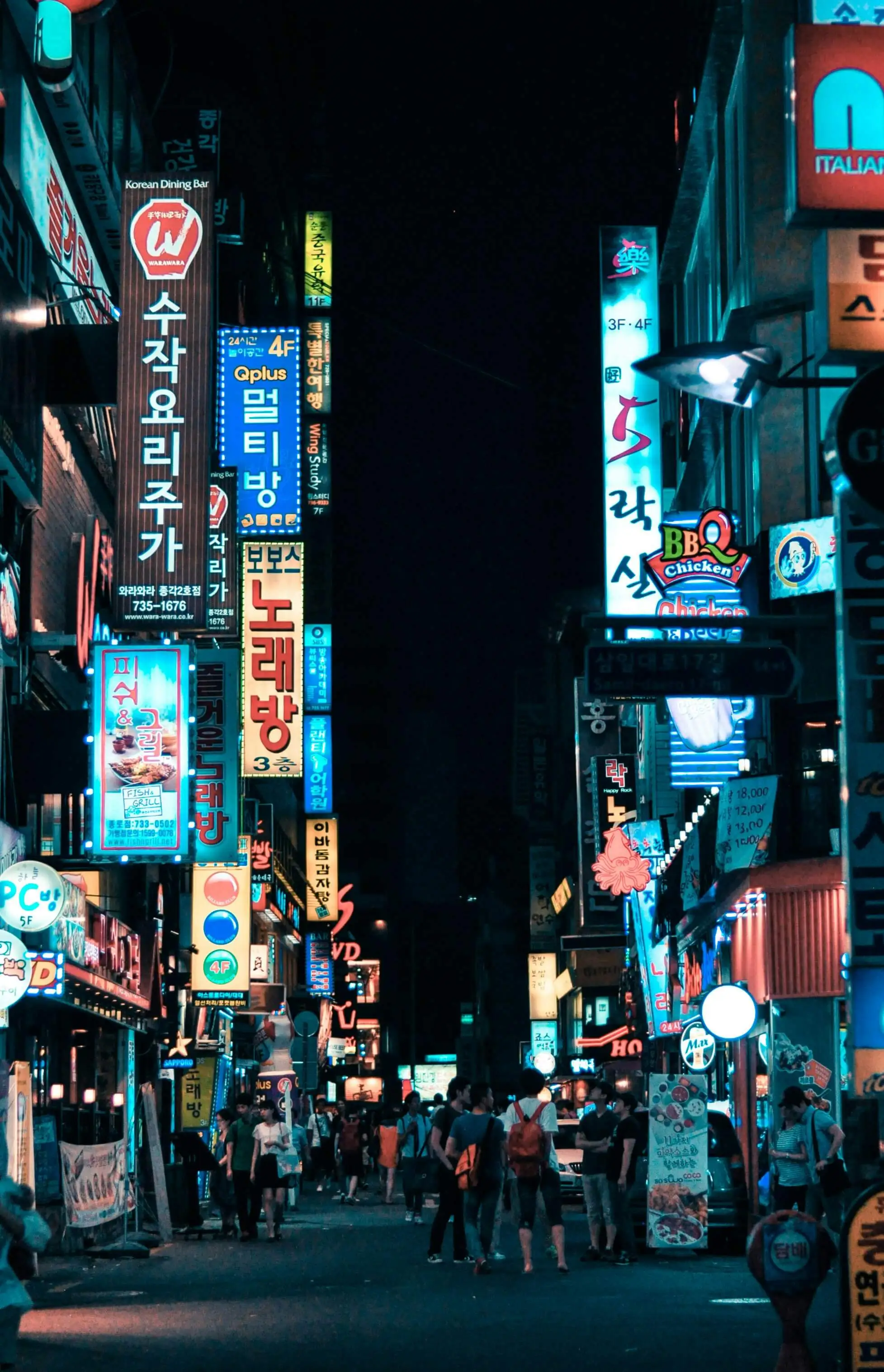
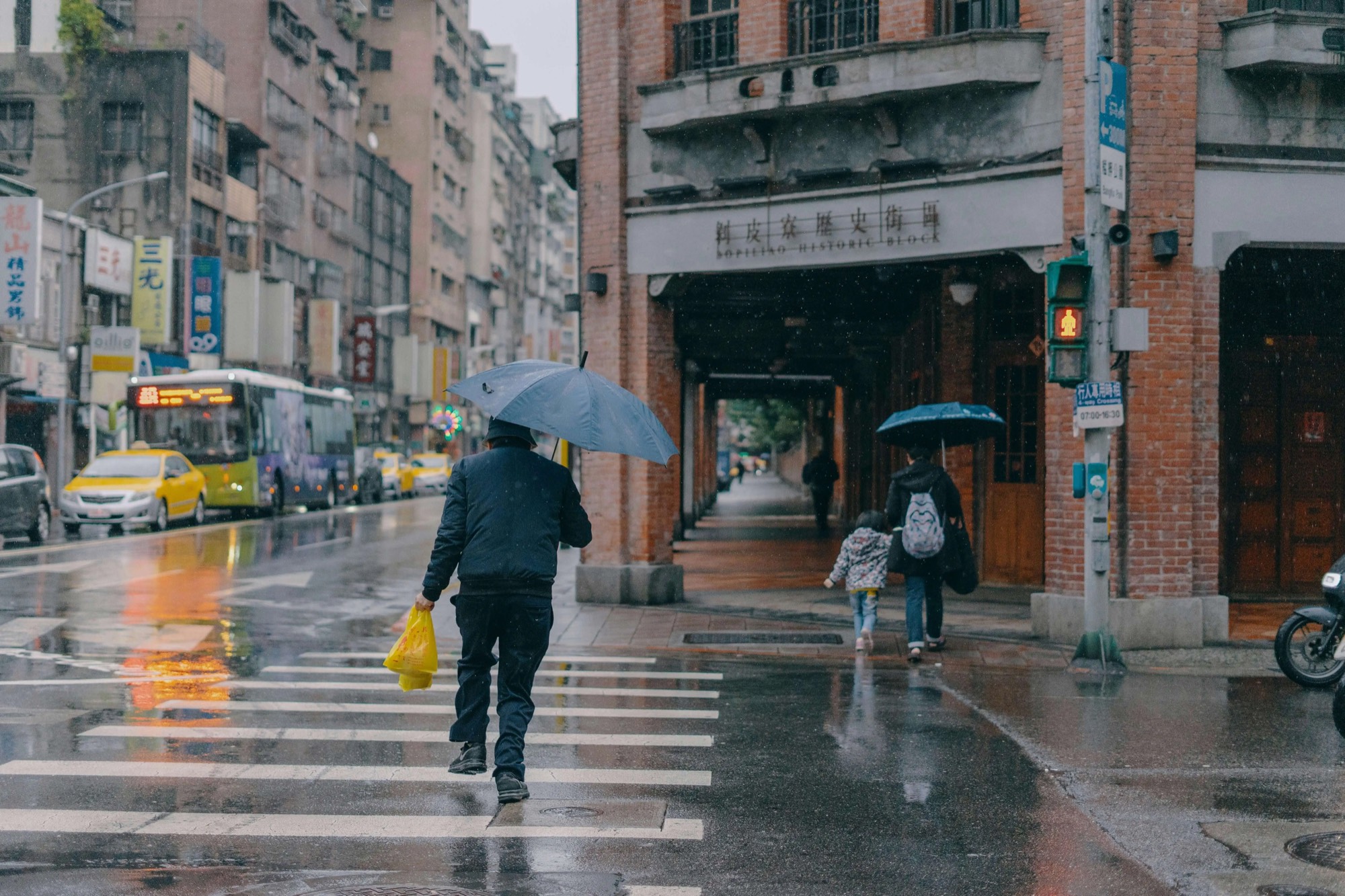
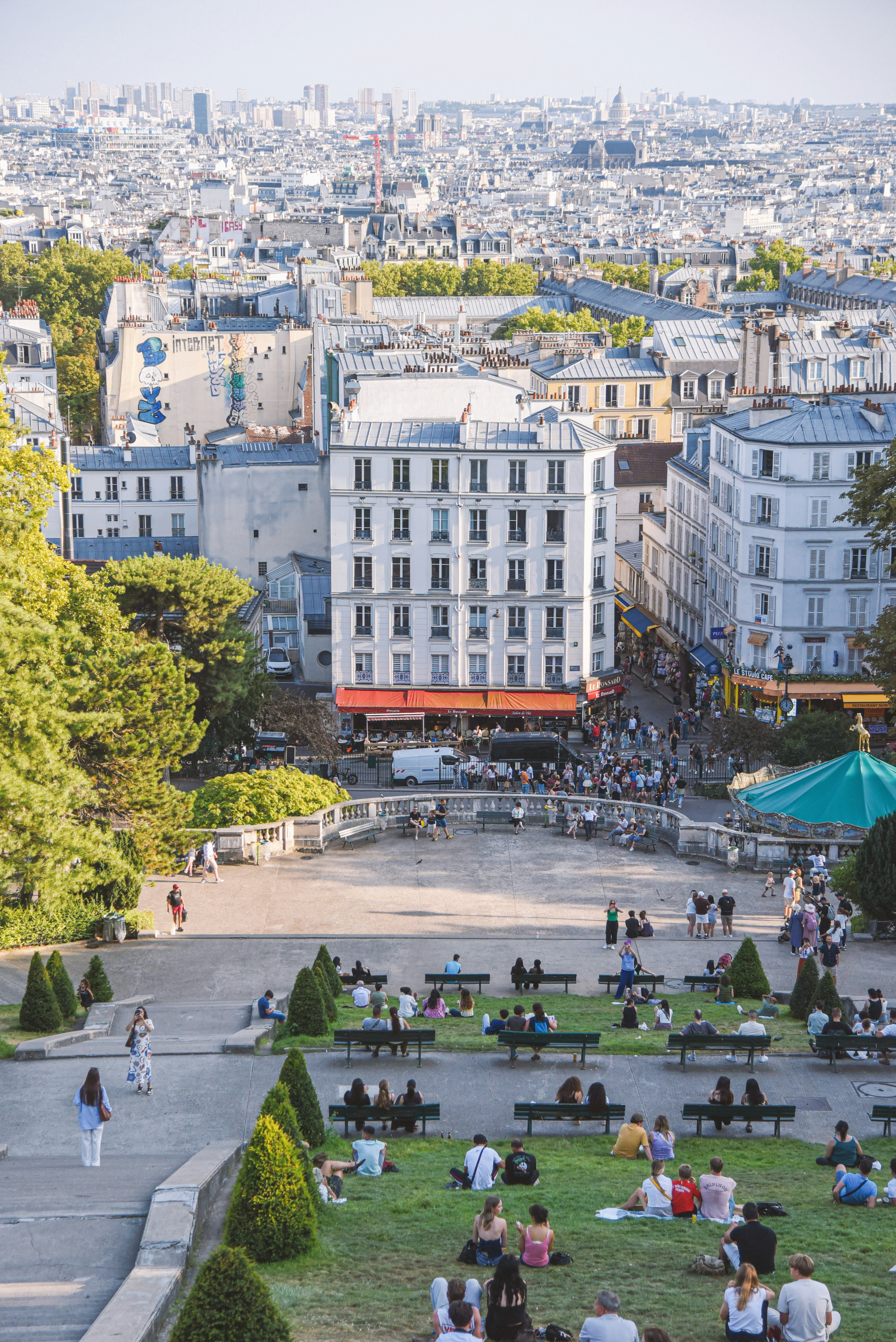
Each city mood is tuned from real place imagery: LA warmth, Bangkok heat, Copenhagen pale light, Hong Kong glow, Jeju air, London rain, New York chrome, Paris softness, Seoul dawn, Taipei glass, and Tokyo night.

Before / After
See the original frame next to the finished Morrow look. The mood shifts color, contrast, and atmosphere without changing the moment.
 Before
After
Before
After
Workflow
Frame the scene in camera or bring in a photo from your library.
Pick from 11 cities, adjust intensity, and add optional date or city stamps.
Export to Apple Photos, share it, or keep it in Morrow's local film roll.
FAQ
Morrow Camera is an iOS camera app for shooting and editing photos with cinematic filters inspired by cities.
Yes. You can import a photo, apply a city mood, tune the result, and save it back to Apple Photos or Morrow's local film roll.
Morrow currently presents 11 city moods: Bangkok, Copenhagen, Hong Kong, Jeju, LA, London, New York, Paris, Seoul, Taipei, and Tokyo.
Morrow Camera is available on the App Store.
Available on iOS